Their first desktop. Built just for them. Wonder in. Worry out.
Genesis Desktop turns any Windows PC into a walled garden. A closed, kids-only computer environment where everything inside is designed just for them, and the rest of the computer stays behind your Parent PIN.
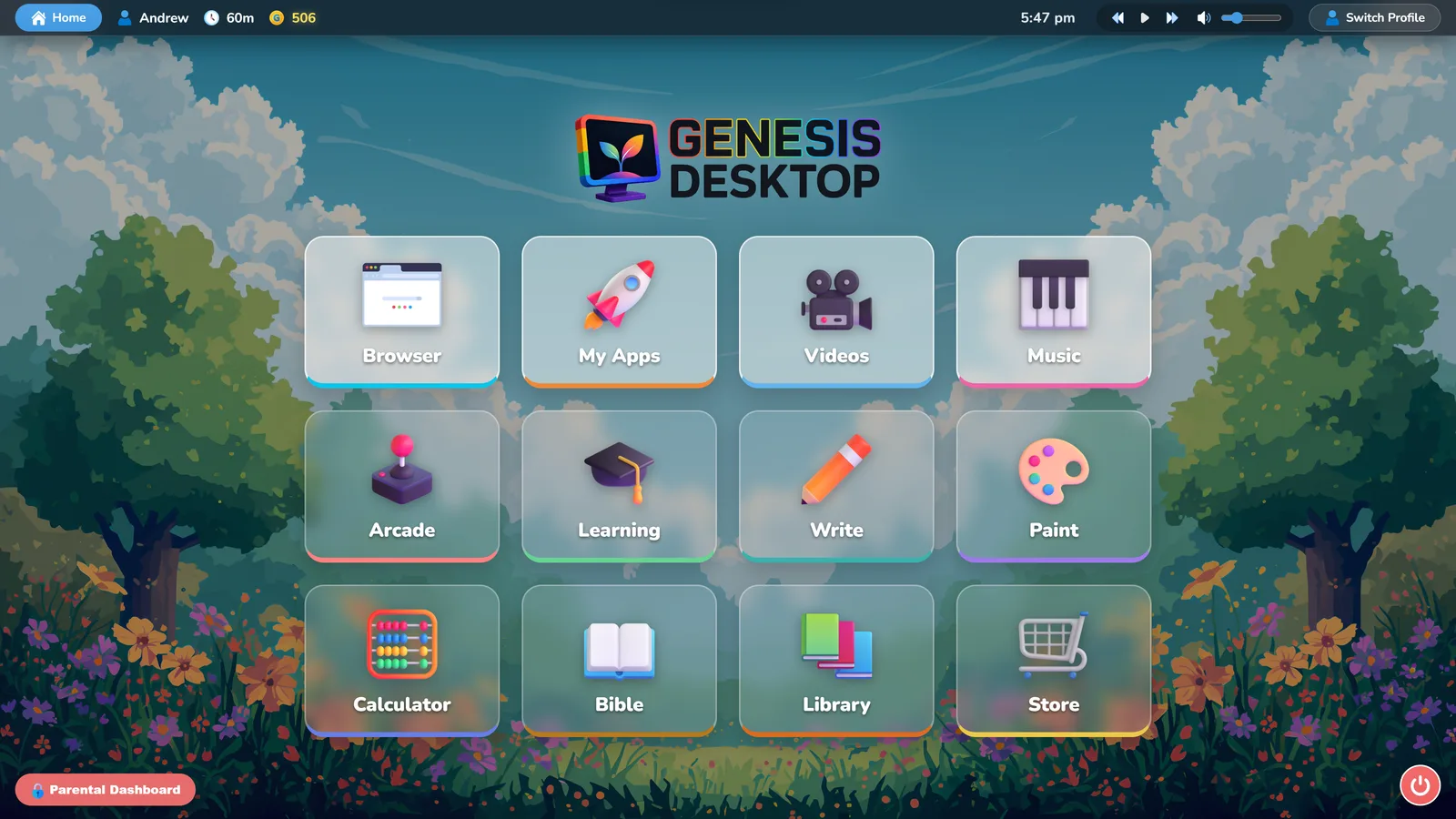

Take the tour before you buy.
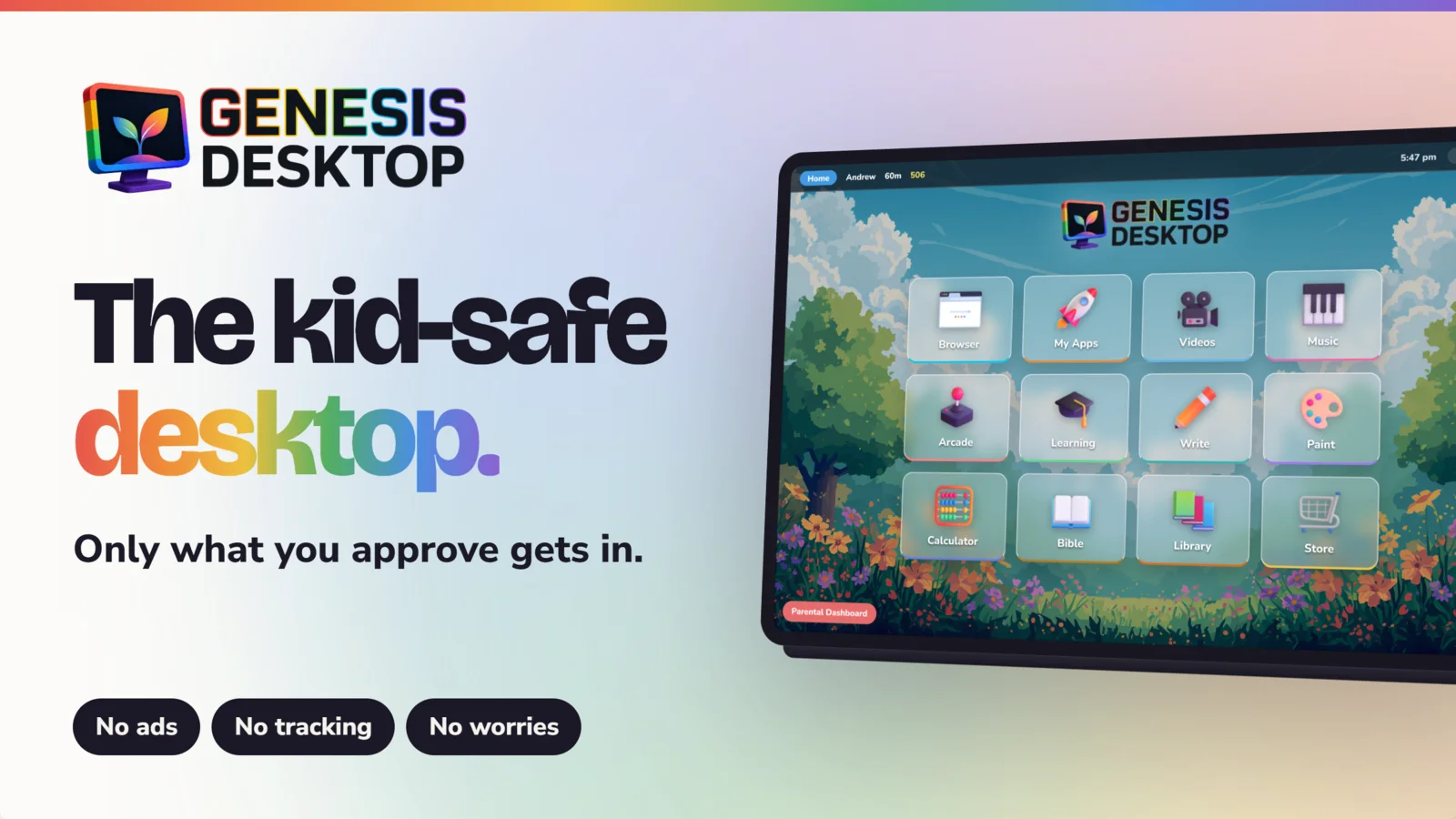
Filtering the bad.
Providing the good.
Filters chase a moving target. Genesis Desktop takes the opposite approach: a complete, beautiful desktop built only from things you'd hand your child yourself.
Peace of mind, built in
No more over-the-shoulder policing. Every app, book, song and game inside was placed there on purpose.
A complete desktop overlay
Genesis Desktop takes over the whole screen — desktop, taskbar and browser are replaced with a space designed for kids.
A suite of wholesome apps
Reading, writing, painting, music, math, Bible, games and more — native, kid-proof and offline-friendly.
Zero ads. Zero tracking.
No pop-ups, no data harvesting, no algorithm deciding what your child sees next. They're not the product here.
A whole world on one screen.




We built Genesis Desktop because we kept facing the same moment you do — a child asking for the computer, and that small knot in your stomach knowing the internet wasn't built for them.
So we made the computer we wished existed: every book, song, game and website placed there on purpose, by a parent. Our own kids use it every week. We believe childhood is worth protecting — and that what fills a child's screen should feed their character.
Peek in from anywhere. Or don't — it runs itself.
Every licence includes Genesis Family — your Family Portal at family.genesisdesktop.ca — check today's minutes and points, approve or decline a website request, adjust screen time and bedtime, and manage every child's profile. It opens in any browser on any phone, tablet or computer, so you're in charge from work, the car, or the other end of the house — and it installs on your phone as the Genesis Family app, no store and no extra cost.
 Genesis Family
family.genesisdesktop.ca
Genesis Family
family.genesisdesktop.ca